Links that look credible when shared
Every published page generates Open Graph metadata sized for X, LinkedIn, and Product Hunt — so your link unfurls into a proper card, not a bare URL.
OG
Card on every publish
3+
Channels sized correctly
Auto
Title, image, description
0
Meta tags to hand-write
Your link, dressed for the feed
A shared link is your first impression. Waitframe generates the preview metadata so every paste looks intentional.
Auto-generated OG cards
Title, description, and image are composed from your page on publish — no manual meta tags, no Open Graph debugger.
Sized per channel
Previews are framed to render cleanly on X, LinkedIn, and Product Hunt instead of cropping awkwardly.
Preview before you share
See exactly how the card looks in-feed before you paste the link anywhere public.
Post copy that fits
Get channel-shaped post drafts alongside the card so the message matches the platform.
Smart link underneath
Each share rides a trackable short link, so a good-looking card also tells you what converted.
On-brand by default
Cards inherit your page colors and headline framing, so previews feel like part of the launch.
Built to be shared, not just hosted
Templates carry social-ready framing so the link looks deliberate the moment it hits a feed.
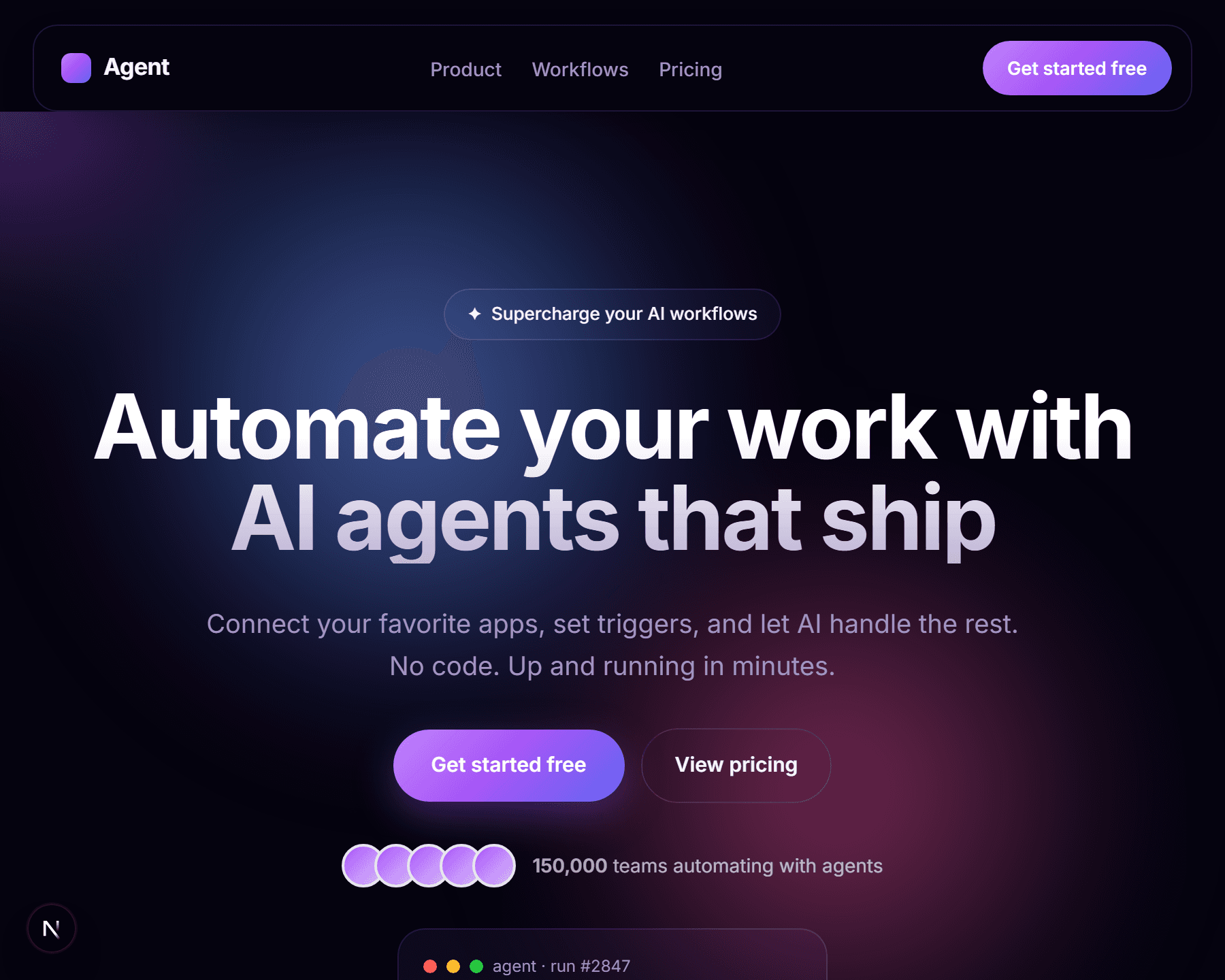
AI Startup Landing
SaaS launch
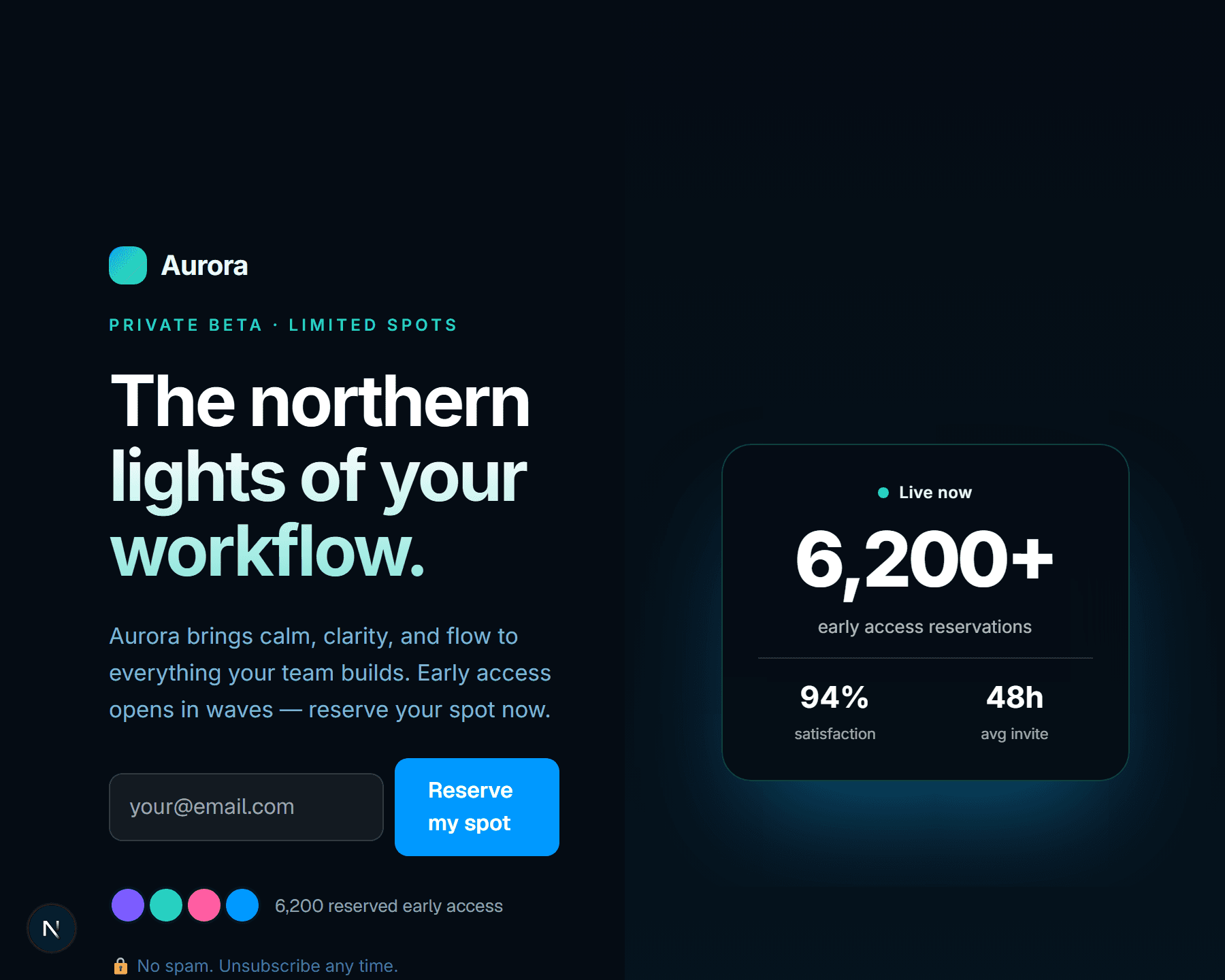
Aurora
Waitlist-first
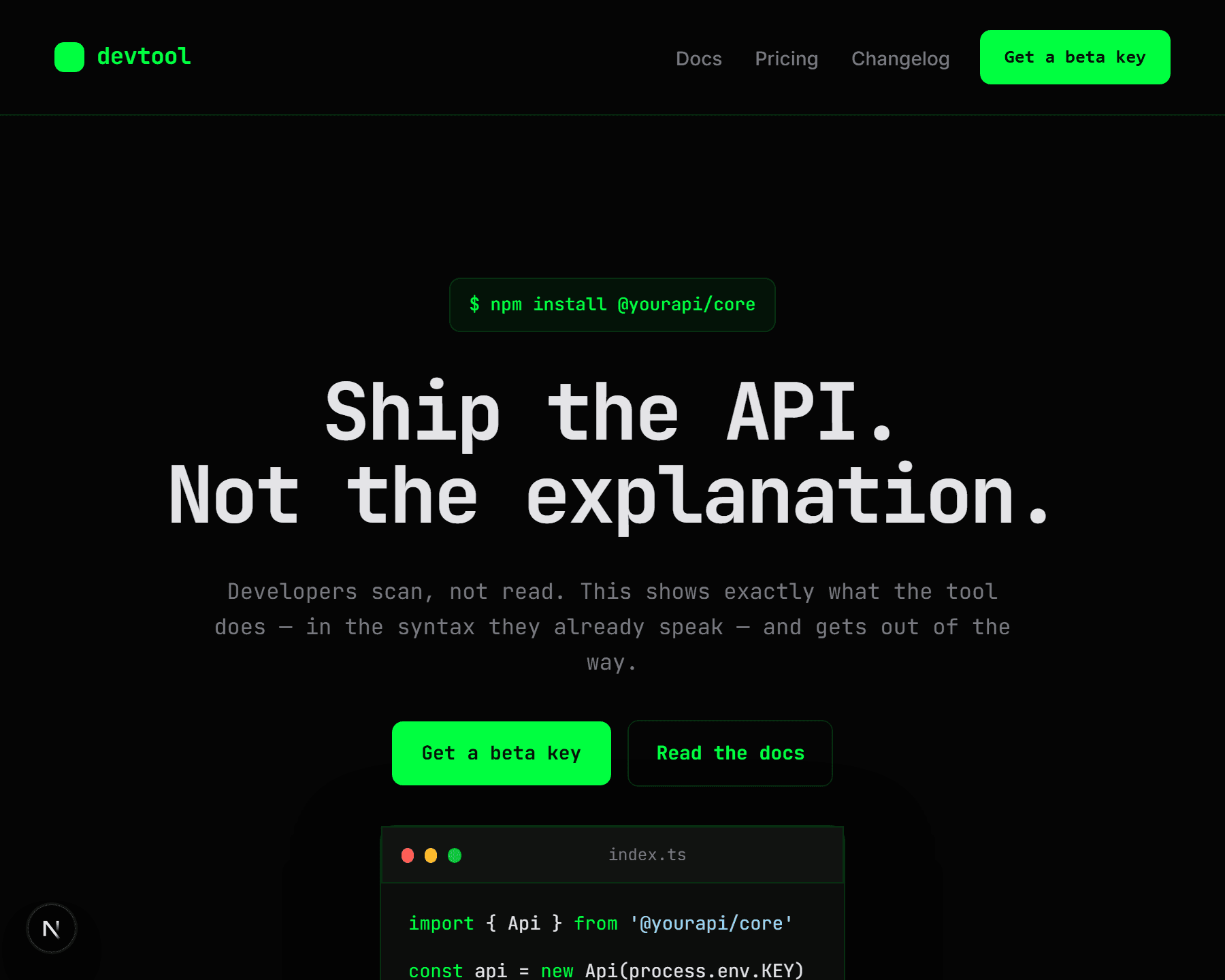
Developer Tools Landing
Dev tool
Open Graph
Paste the link,
get a real preview card
Title, description, and image are generated on publish and sized per channel — so the link unfurls into a credible card instead of a bare URL.
The AI copilot for developer relations
Turn docs into answers and community into advocates.
waitframe.com
waitframe.com
The AI copilot for developer relations
Now in private beta — join 847 developers on the list.
Publish, preview, post with confidence
Social previews are generated in the publish flow — there is no separate metadata step.
Publish your page
OG title, description, and image are composed automatically from your launch.
Preview the unfurl
See the card as it will appear on each channel and adjust if needed.
Share everywhere
Paste the smart link and watch it render into a clean, on-brand preview.
Make every shared link look intentional
Publish a page, preview its social card, and share a link that unfurls into a credible preview.
No credit card required · Free forever plan available